

Microsoft isn't giving up. It consistently improves and refines its solutions, listening to the voice of its user community. It wouldn't be Microsoft if it didn't enhance individual tools with its AI assistant, Copilot. This time, in the case of the popular Teams app, it's introducing an audio recap feature that will certainly be useful for those on the go, and with a paid Microsoft 365 license, Copilot improves PowerPoint presentation translation. Of course, it also includes the reporting application, Power BI, which is undergoing a technology shift in maps field – from Bing Maps to Azure Maps. What else happened in its business applications and what changes were made to them last month? Check out our October summary.
News in Microsoft Teams
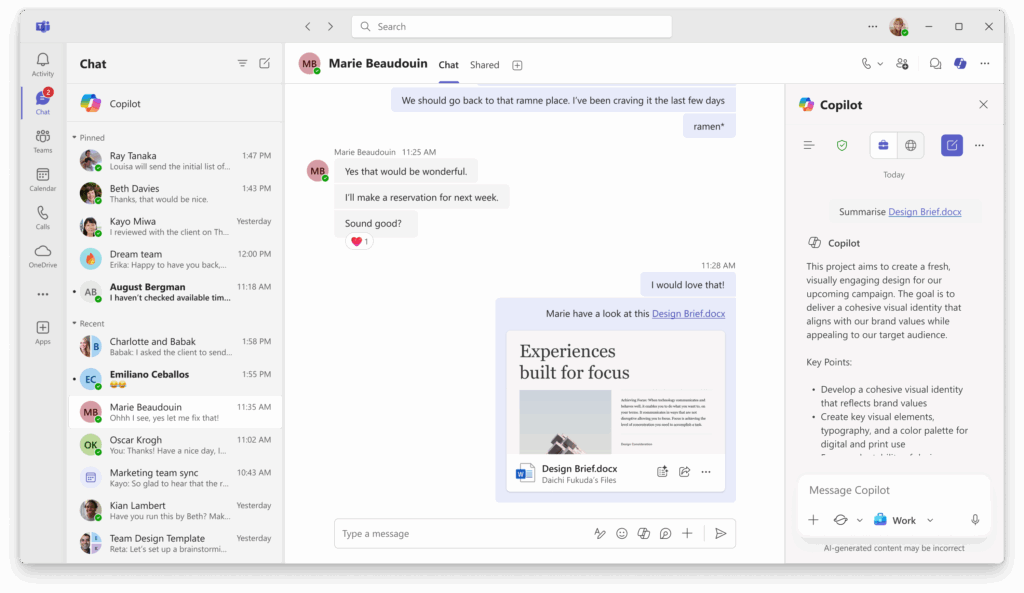
To begin with – one might say "traditionally" – we'll start with Microsoft Teams. Microsoft is committed to making it a teamwork platform that users don't have to leave – they're supposed to be able to do almost anything from within it. Summaries of files shared in chats are meant to help with this. Of course, Copilot will play a key role in this feature. Therefore, if you share a Microsoft Word file with someone, Copilot will be able to summarize the file's content for you or provide you with the most important points. This option is intended for users who often don't have time to verify the shared file, and the recipient is waiting for feedback. It's worth noting that this option is also available on mobile devices and respects the security policies related to files within a tenant. This feature requires a paid Microsoft 365 Copilot license.
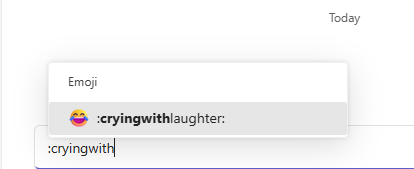
Another change is for fans of emojis that can be added to text. Simply use the colon symbol and then start typing the name of the desired emoji – Teams will display suggested emojis for you to use, or you can finish typing the name and use the colon again, which will insert the emoji into the body of your message.
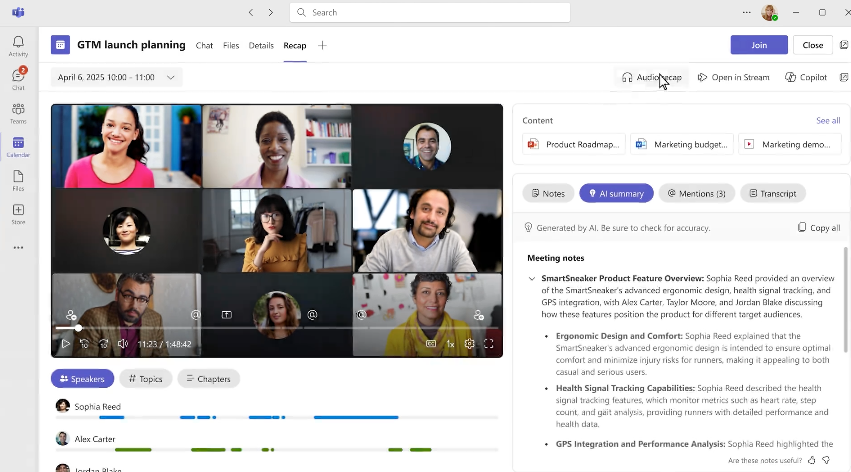
Another new feature concerns audio recaps. To use them, however, you must have a Microsoft 365 Copilot license. Once transcription has been launched for a meeting and an Intelligent Recap has been generated, a new "Audio Recap" option will appear. After selecting it, you can select up to eight different meetings, from which the AI will create an audio recap in your chosen style. There are three options:
- Newscast – one AI speaker delivering a fast summary.
- - Executive – two AI speakers delivering an efficient summary with minimal commentary (voices of man and woman).
- Casual – two AI speakers providing a summary with extra color and commentary.
However, you should keep in mind that the feature currently supports English, with more languages expected to be added in the future. Importantly, this option is also available in the mobile version of Microsoft Teams, so you can listen to the "audio recap" on the go.
Continuing the topic of Teams meetings, another new feature worth mentioning is the availability of the Facilitator agent within scheduled Teams Rooms meetings on Android devices. This means that if you're using a conference room with properly licensed video calling devices (Teams Rooms Pro license required), the Facilitator will assist during the meeting, preparing notes, creating tasks in real time and answering questions.

What’s new in Microsoft 365 Copilot?
Do comiesięcznych podsumowań zmian, nowości i usprawnień, które trafiły do asystenta AI od Microsoft The monthly summaries of changes, new features and improvements that have been added to Microsoft's AI assistant should currently be approached with two solutions in mind:
- Improvements to Copilot Chat, the AI assistant available within your Microsoft 365 subscription (e.g., Microsoft 365 Business Basic).
- New features and enhancements included in the paid version – Microsoft 365 Copilot.
Regarding the former, it's worth noting that this month – November – GPT-5 is set to become the default AI model for it. This will be rolled out gradually, meaning the slider you currently see in the upper right corner of the chat window will be enabled by default, and after some time, Microsoft will remove it from your view.
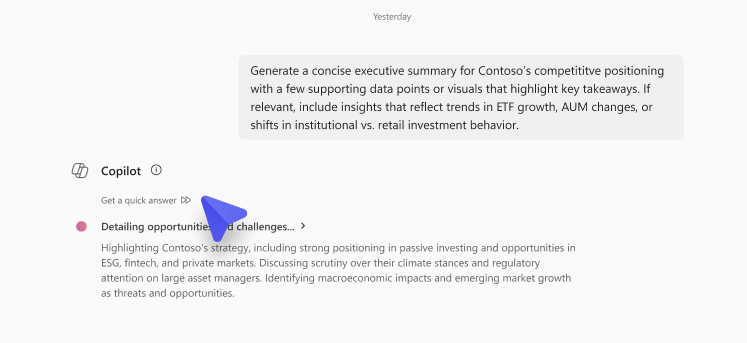
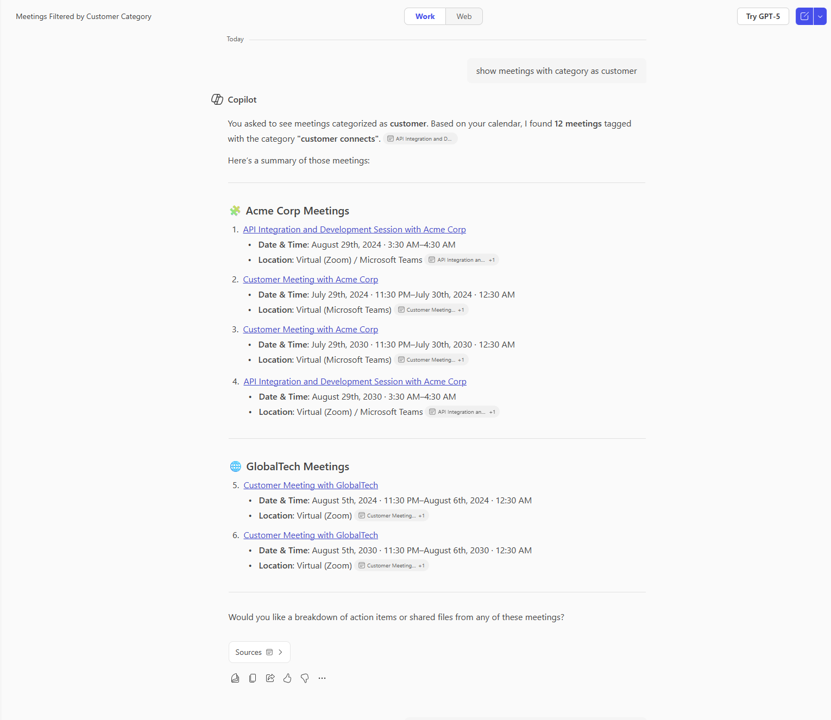
Additionally, if you start a chat with Copilot and leave the session, Copilot will save it in your conversation history, allowing you to return to it at a more convenient time. Furthermore, Microsoft has improved the accuracy with which Copilot Chat responds to questions about files. This also applies to situations where multiple files are uploaded to the chat window or scenarios where you request the creation of a popular "FAQ" for a given document. In terms of response time, it's worth noting the improvement in Copilot's answers regarding calendar events. For example, Copilot will be able to search and provide you with meetings organized by your manager, team member or colleague. Interestingly, this feature will also work if you are a delegate for another person's calendar. In such a situation, Copilot will be able to search that person's calendar.
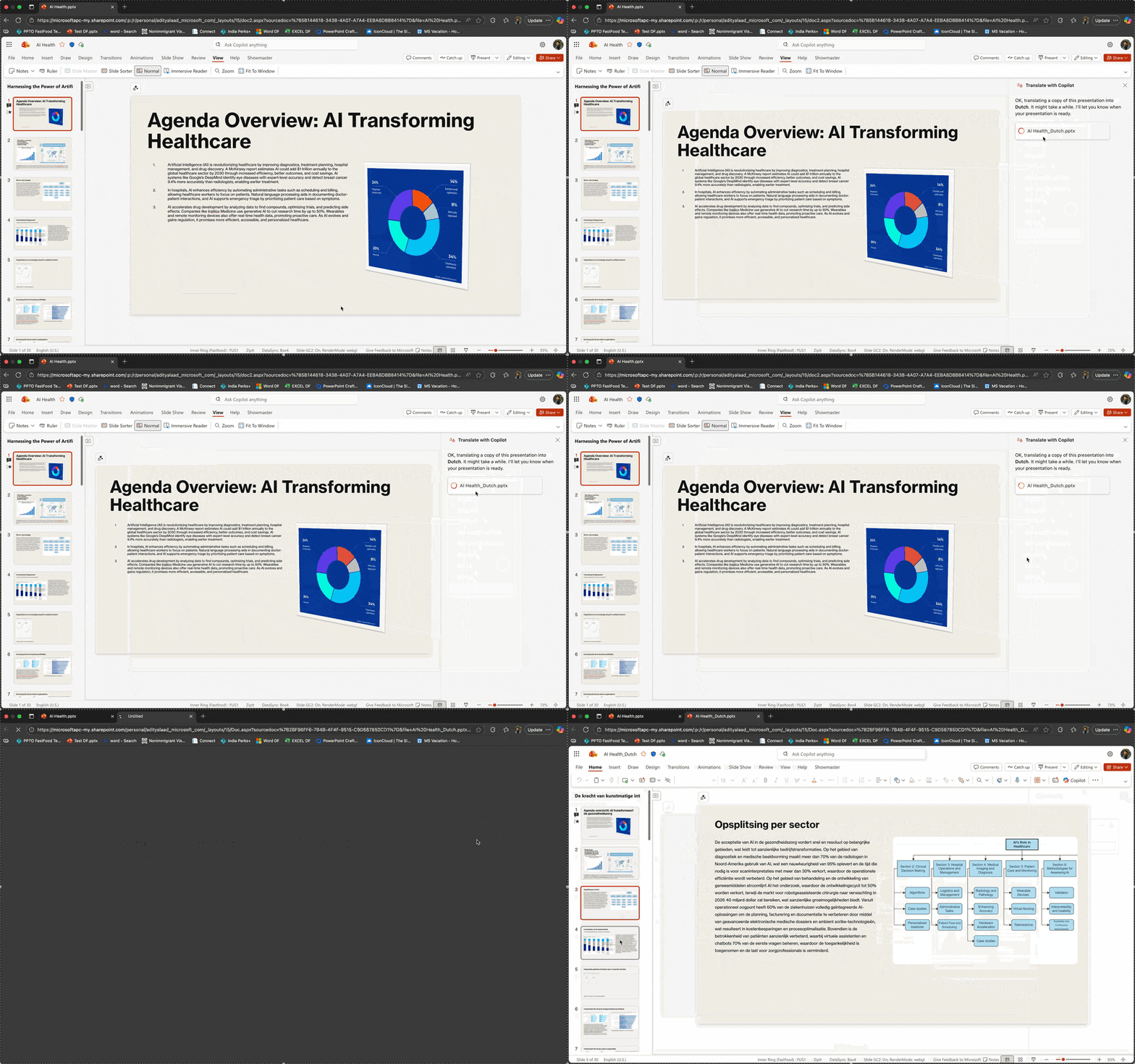
With a paid Microsoft 365 Copilot license, the PowerPoint presentation translation feature is particularly noteworthy. Sound familiar? We are not surprised, as the translation option was already available, but it operated in the chat window, which wasn't entirely convenient. Now it's much better, and the feature works in both PowerPoint Online and the Windows and Mac clients. Simply use the "Translate Presentation" option, select the target language, and Copilot will then create a completely new, separate file with all the slide content translated into the specified language.
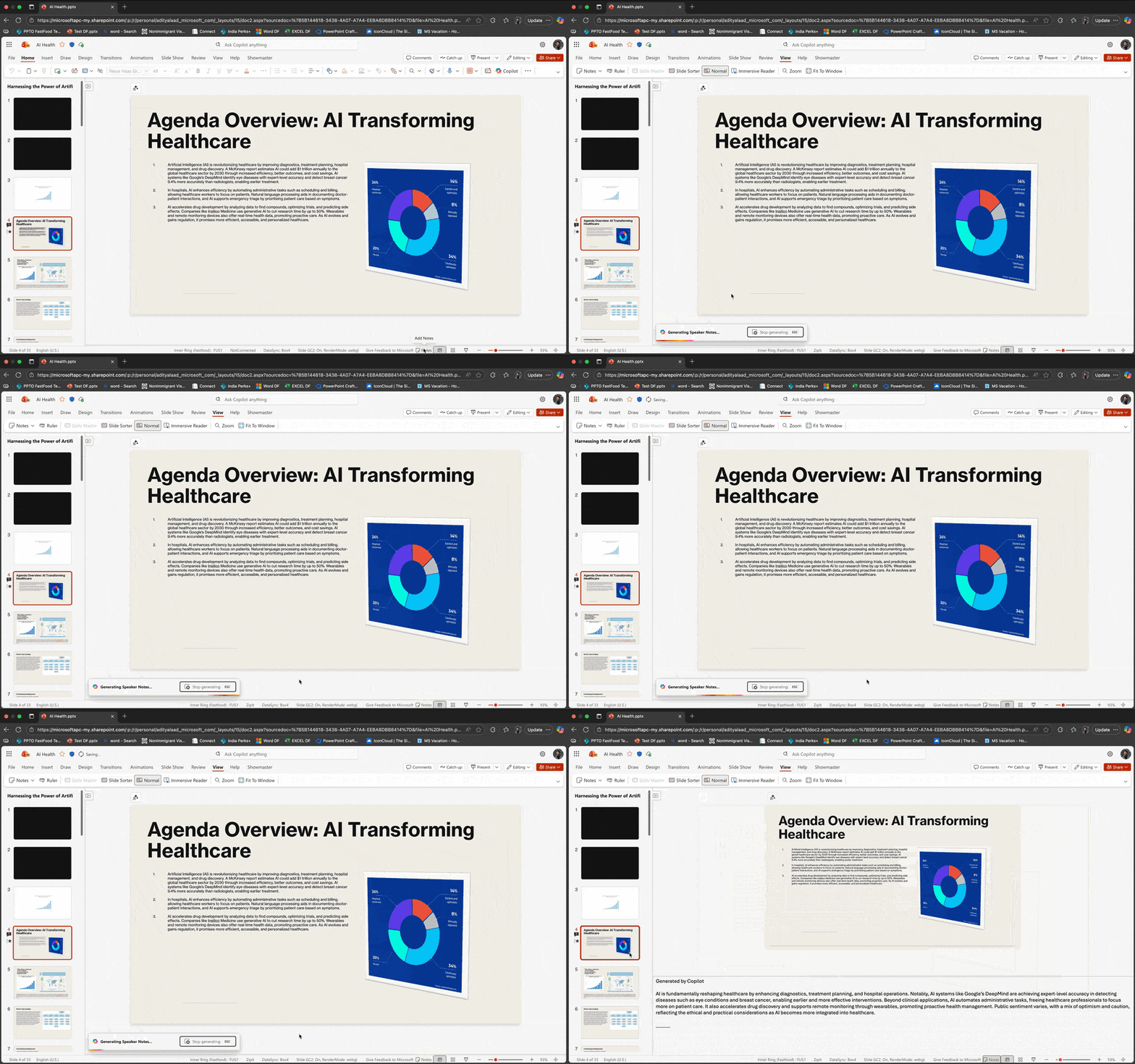
Similarly, Microsoft has improved the feature of generating speaker notes based on slide content. Previously, this was possible via chat with Copilot. Now, you have an option that will create and insert generated notes for a specific slide in a dedicated space for notes.
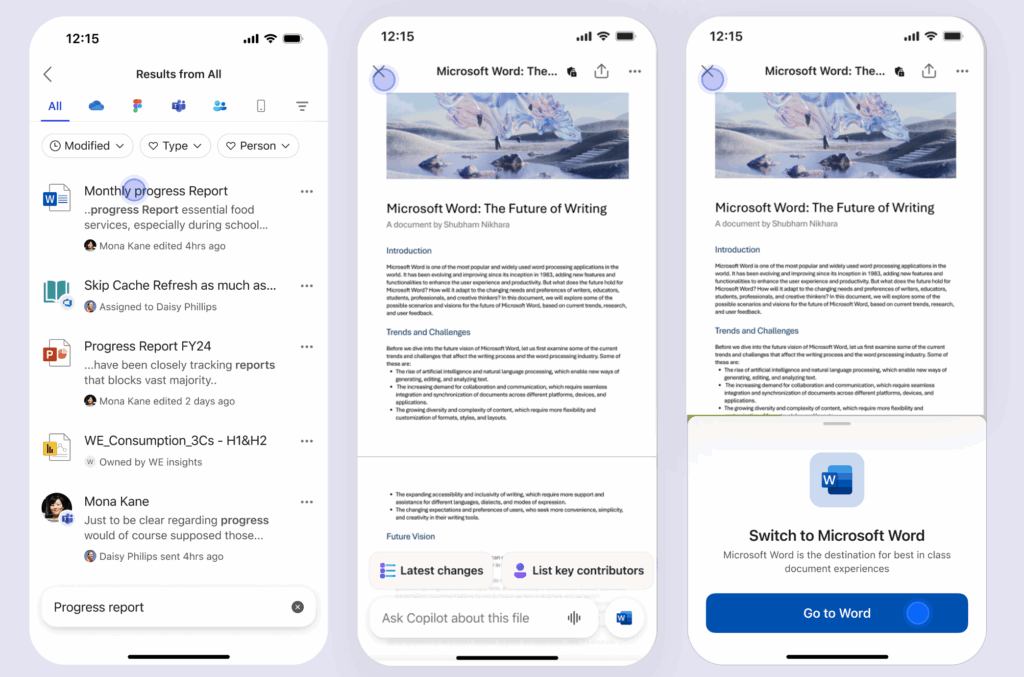
Interestingly, Microsoft has announced a change in its Microsoft 365 Copilot app in October, which will delight iOS device owners. When you open a Word, Excel, or PowerPoint file in the mentioned mobile app, you'll gain access to a file preview, from which you can ask Copilot for specific information about it – without having to access the file itself. This allows you to quickly view the information contained in the document… without even accessing it.
October Power BI summary
Microsoft is also improving and streamlining its Power BI tool as much as it can. This time, it's Bing Maps for Enterprise, which – as part of Power BI – is actively migrating to Azure Maps. Therefore, if you're a report creator, it's worth considering this aspect and using a supported target solution.
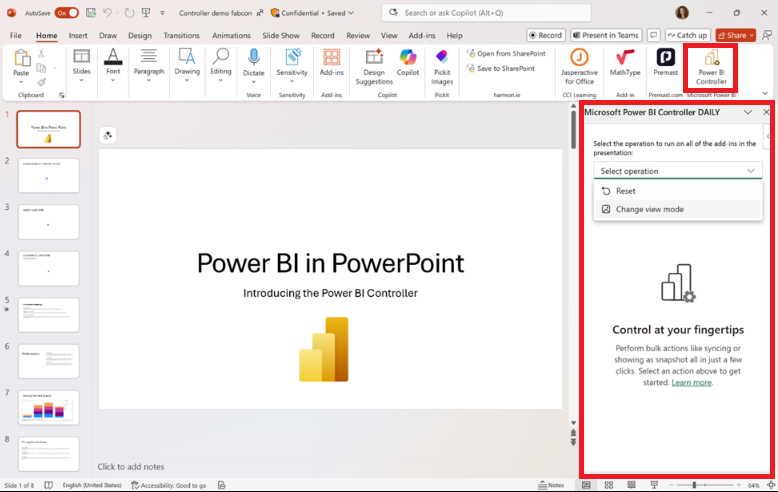
Another improvement concerns the preview feature, Power BI Controller, which can be added to PowerPoint. Since an interactive Power BI report can be added to slides, Microsoft – hearing user requests – has created a central place to manage all Power BI add-ins across the entire presentation. This eliminates the need to configure each add-in individually.
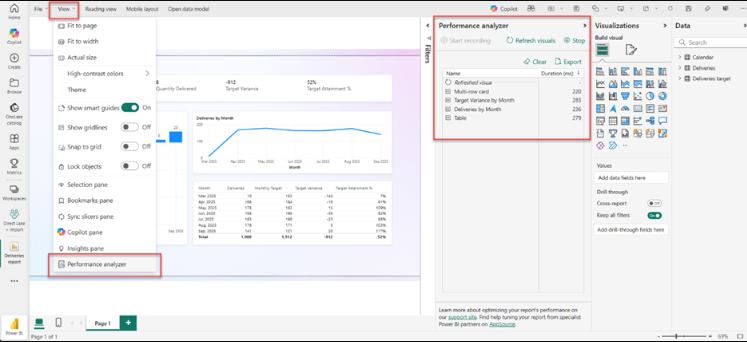
In September, the Redmond Giant announced the introduction of the performance analyzer pane, a visualization performance analysis toolbar within a report. Among other things, it allows users to verify the load time of visualizations in a report. This feature will be available to users with a delay but should be available within the next few weeks.
See how the changes and enhancements Microsoft is introducing in its cloud services can impact the functioning of your company and improve the work experience for users – fill out the form at the bottom of the page and schedule a free consultation with our expert!
